LinkedIn

Subscribe to our news

CIMIC
  • Our Group
  • Projects
  • Innovation
  • Sustainability
  • Careers
  • News & media

Website structure overview

Understanding the structure of the CIMIC website is essential before making content updates. Different areas of the website serve different purposes, and some changes may only affect a single page, while others can affect the entire website.

The CIMIC website is generally made up of four key elements:

  • Global header
  • Page content area
  • Global footer
  • Website themes

Understanding how these elements work together will help ensure content is managed consistently and in accordance with CIMIC standards.

Global header

The global header is the section displayed at the top of every page across the website. It provides users with quick access to key navigation and important website destinations.

Typical header elements

The global header is made up of the following elements:

  1. CIMIC / OpCo logo
  2. Main navigation menu
  3. Search functionality
  4. Social links

Because the header is displayed across multiple pages, any updates made to the global header may have a website-wide impact.


Page content area

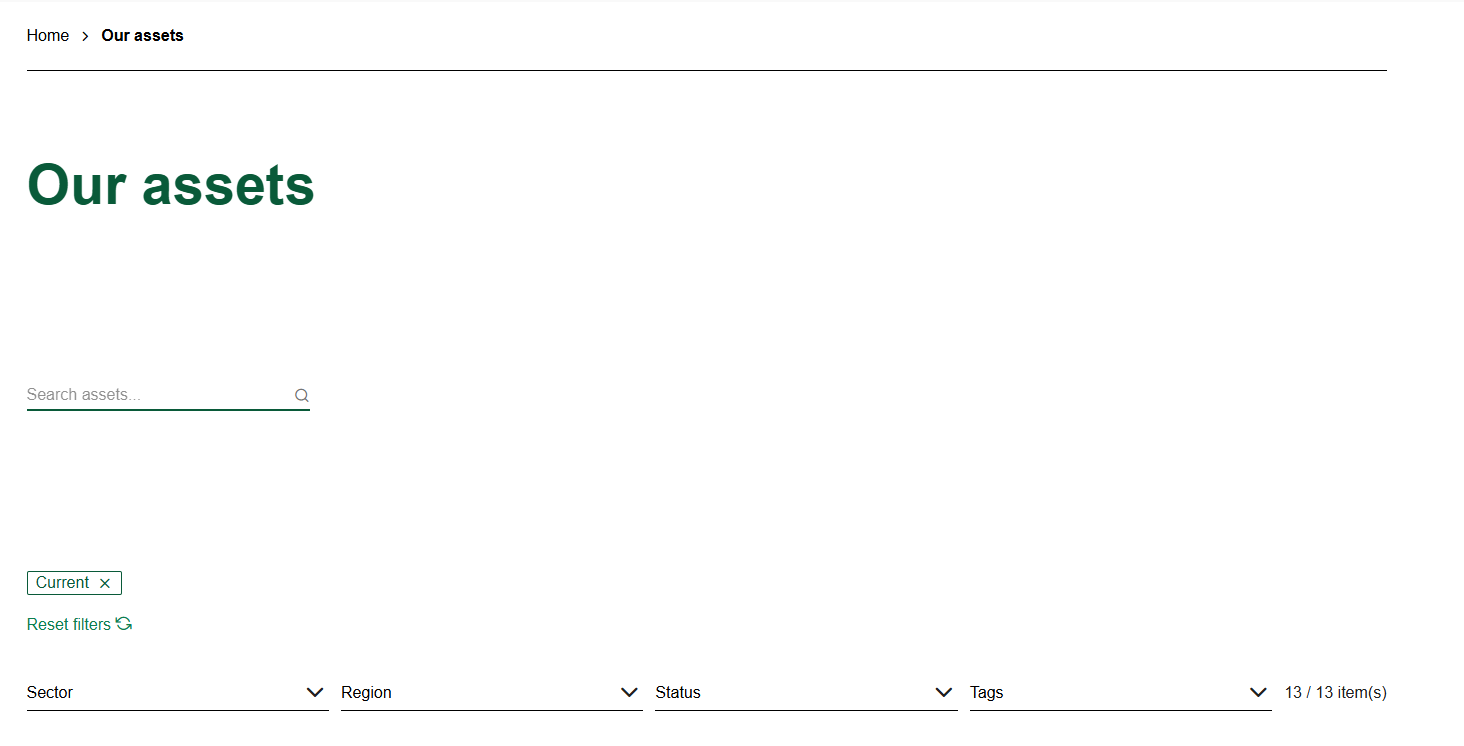
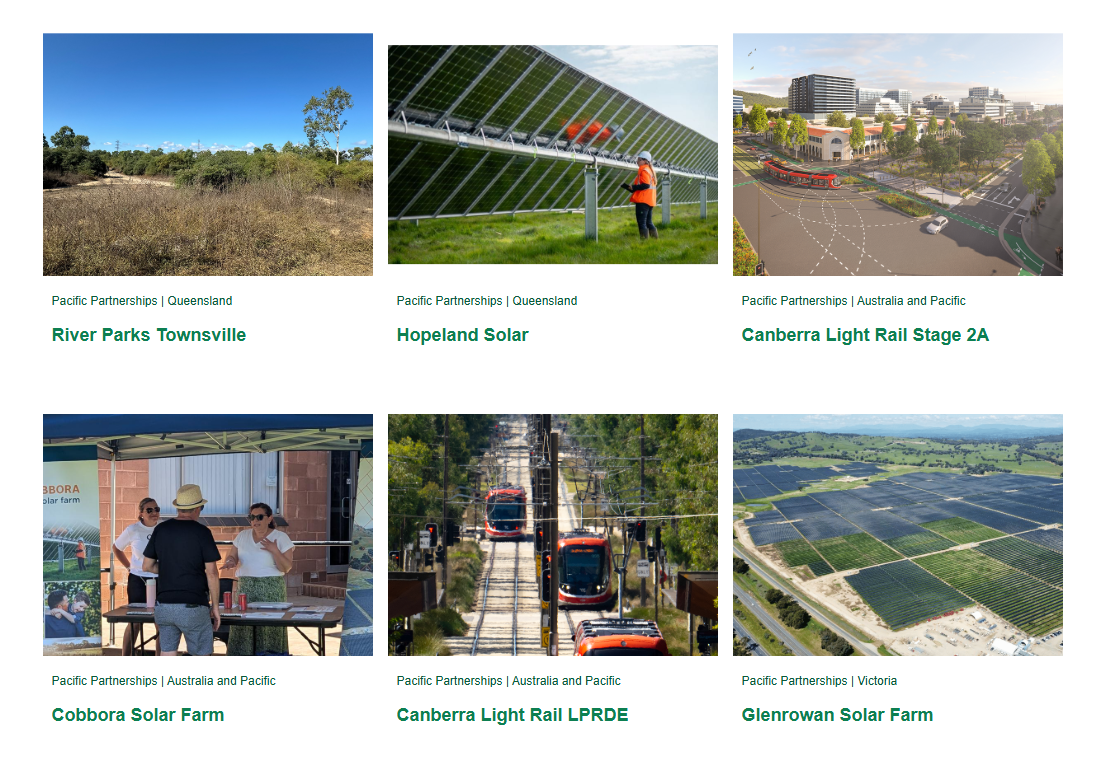
The page content area contains the unique content displayed on each individual webpage. This is where most content editing activities occur.

Examples of content managed within page content areas include:

  • News
  • Project details
  • Sustainability content
  • Corporate information
  • Leadership content
  • Community updates

Unlike the header and footer, updates within the content area generally affect only the page being edited.


Global footer

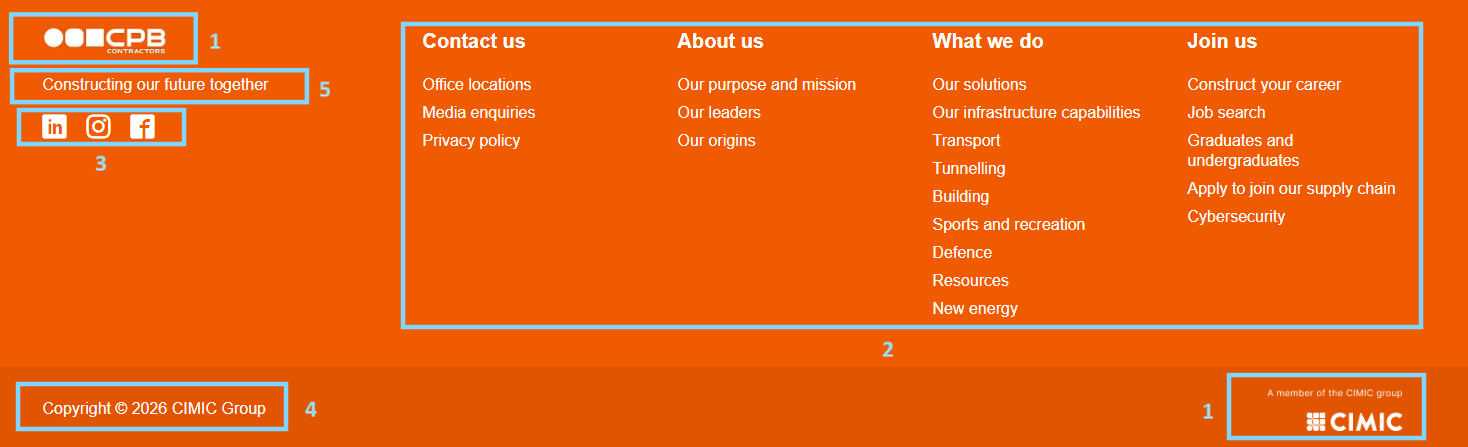
The global footer appears at the bottom of every page on the website. It provides supporting information and additional navigation options for website visitors.


Typical footer elements

The global footer may include:

  1. Footer logo
  2. Navigation
  3. Social links
  4. Copyright
  5. Footer text

Similar to the header, the global footer is shared across the website, and updates may affect multiple pages simultaneously.


Themes

A theme controls the visual styling and presentation of website content.

Themes help ensure that pages remain consistent with the CIMIC Group brand and provide a cohesive user experience across the website.

What does a theme influence?

A theme may control:

  • Colours
  • Typography
  • Spacing
  • Layout presentation
  • Component styling
  • Visual branding elements

Themes allow content editors to create pages that are visually consistent without needing to make manual design adjustments.

CIMIC
Generating sustainable returns by delivering projects for our clients while providing safe, rewarding and fulfilling careers for our people.
Contact us
  • Enquiries
    • Privacy Policy
      • Privacy Collection Statement
        • Ethics line
          • Cyber fraud
            Latest news
            • Subscribe to our newsletter
              Work with us
              • Job search
                • Graduate program
                  • Undergraduate program
                    • Suppliers and partners
                      Copyright © 2026 CIMIC Group