
The footer text appears under the parent logo.
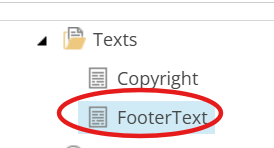
In Content Editor, navigate to Site [Node] / Data [Node] / Texts [Node] / FooterText [Item].
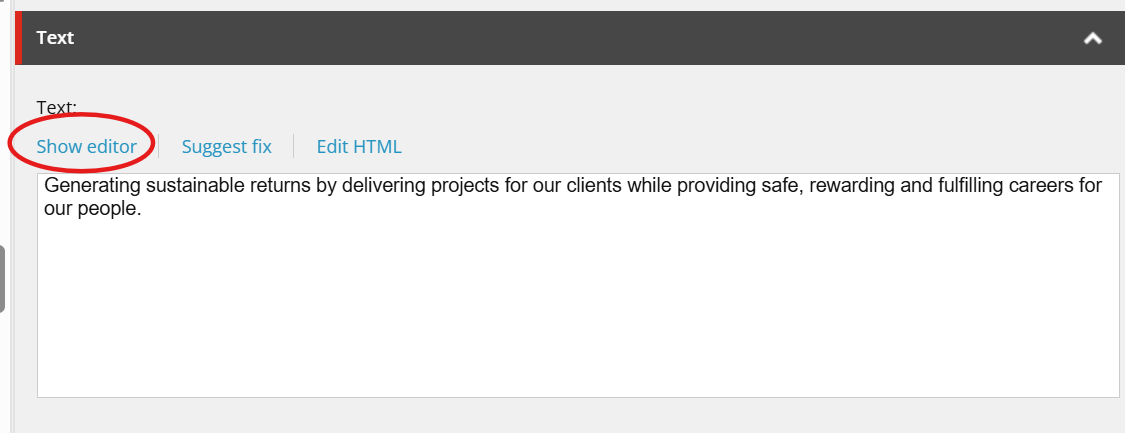
In the Text field, click on Show editor to open the rich text editor.
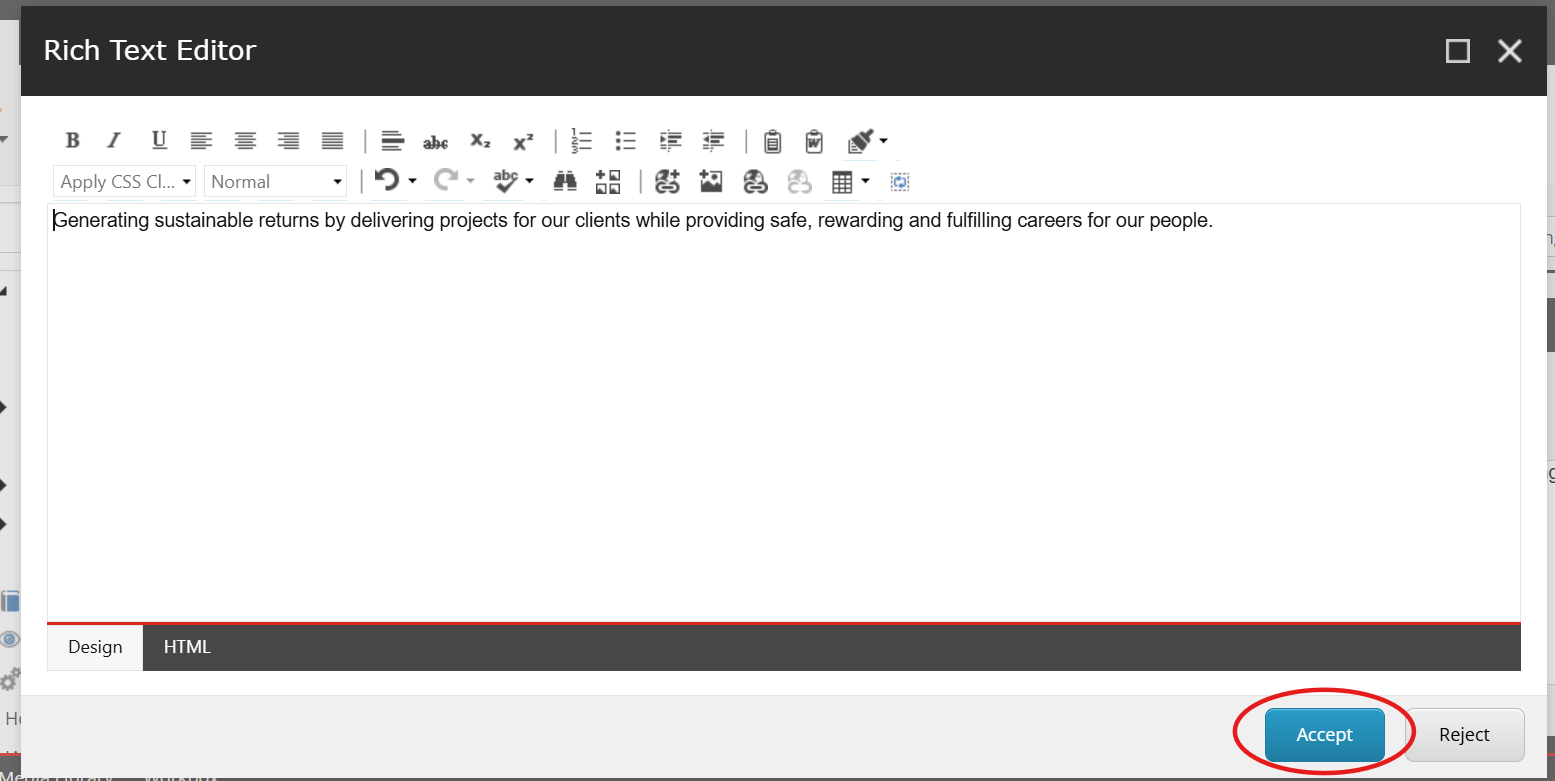
Update the text and click Accept.
- Save and publish your changes.