
The theme system is based on the approved website design and colour system.
Each website has a single global theme that is applied to the global header and footer to ensure a consistent visual experience across the site. Themes are centrally managed and cannot be modified by content authors within Sitecore.
If changes to a website theme are required, please submit a request to Karin Ng for review and implementation.
Each component has 4 themes to choose from, and each theme follows the rules below:
- Default: White background, OpCo’s signature colour text
- Neutral: Grey background, OpCo’s signature colour text
- Primary: OpCo’s signature colour background, white text
- Secondary: OpCo’s signature colour with a lighter shade background, dark text
Apply a theme to a component
Expand the Advanced styling options in the right-hand panel.
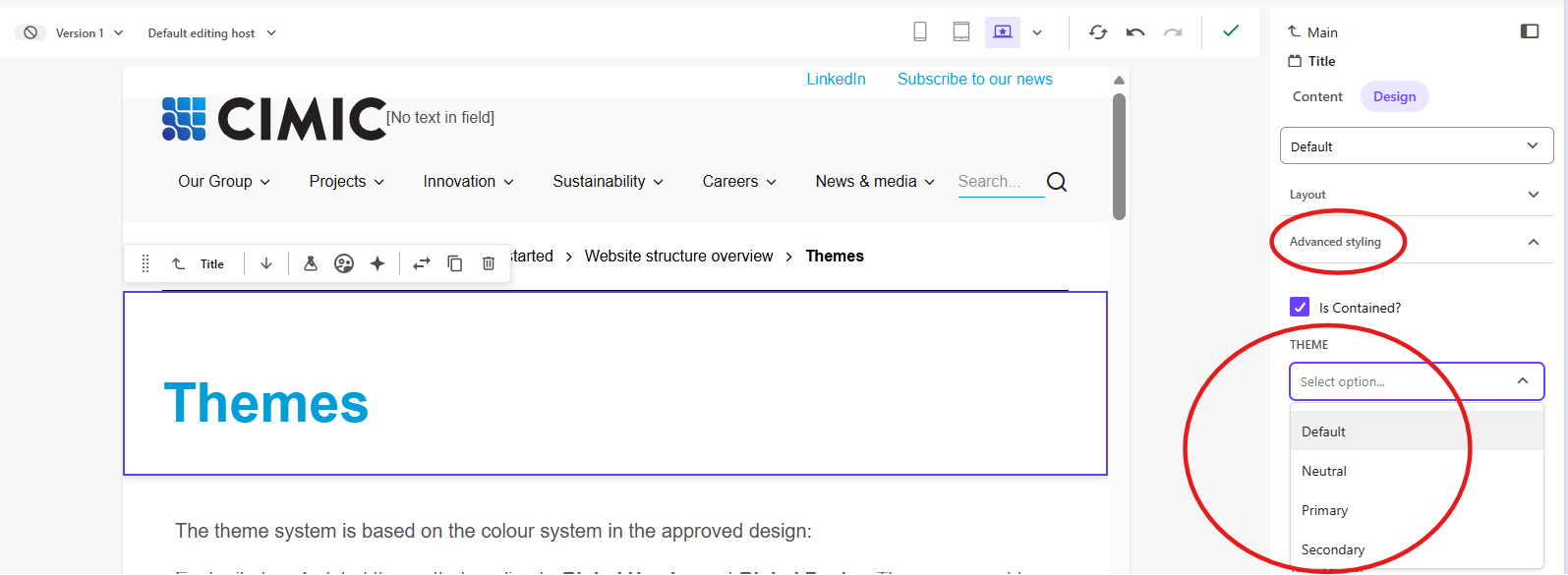
- From the Theme dropdown list, select the theme to apply to the whole component.
CIMIC and OpCo website themes – reference guide
The tables below are a reference guide for the content editable theme colours used across the CIMIC and OpCo websites.
Header colours
# | Theme property | Description | Screenshot |
1 | Background | Background colour of the level one menu. |  |
2 | Mega menu background | Background colour of the mega menu. | 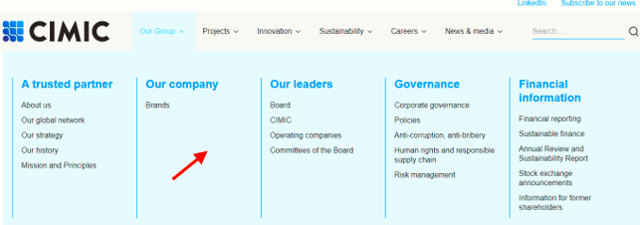 |
3 | Title | The colour of the level 2 category titles. | 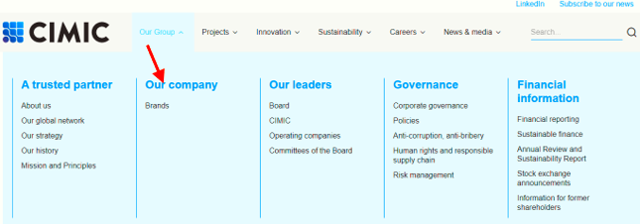 |
4 | Text | The colour of the block of text in the mega nav. | 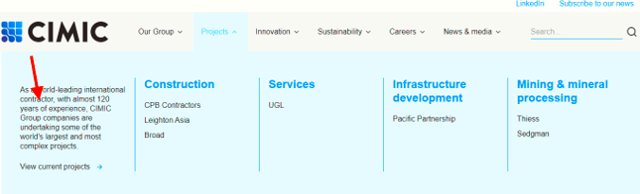 |
5 | Divider | The colour of the line that divides the level 2 groups of links. | 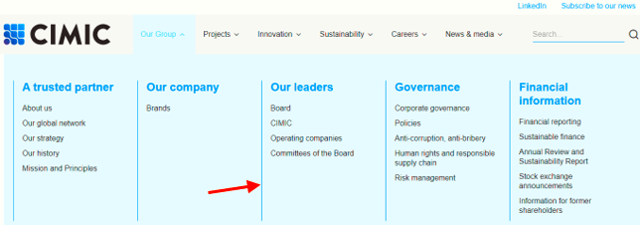 |
6 | Level one link | The colour of the level one link text without any user interaction. |  |
7 | Level one link hover | The colour of the level one link text on hover. | 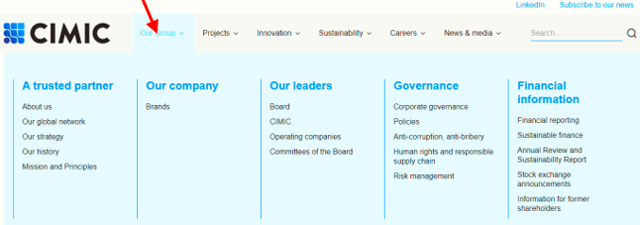 |
8 | Level one link hover background | The background colour of the level one link on hover. | 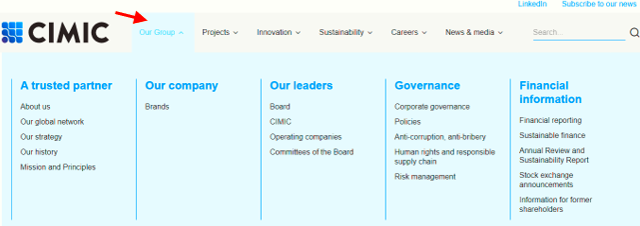 |
9 | Level two link | The colour of the level two link without any user interaction. | 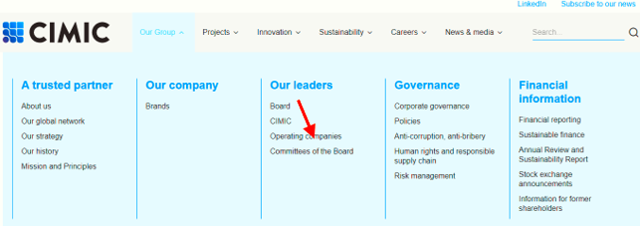 |
10 | Level two link hover | The colour of the level two link on hover. | 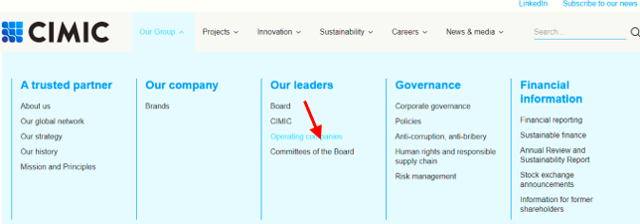 |
Footer colours
# | Theme property | Description | Screenshot |
1 | Top background | The background colour of the top part of the footer. |  |
2 | Bottom background | The background colour of the bottom part of the footer. |  |
3 | Title | The colour of the titles above each list of links. |  |
4 | Text | The colour of the text in both the top and bottom sections of the footer. Note: The text colour for both sections will be the same as it is managed by a single field in Sitecore. |  |
5 | Link | The colour of the link text without any user interaction. |  |
6 | Link hover | The colour of the link text on hover. |  |
Acknowledgement of Country
Please use the TitleTextLink component and the Description variant for Acknowledgement of Country and apply the Neutral theme. The following theme properties are used for the component.
# | Theme property | Description | Screenshot |
1 | Background | The background colour of the component. | 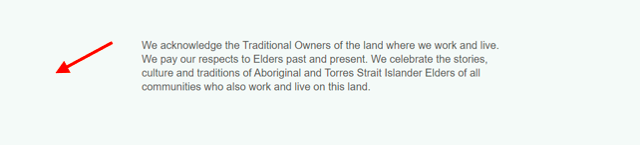 |
2 | Description | The colour of the text. | 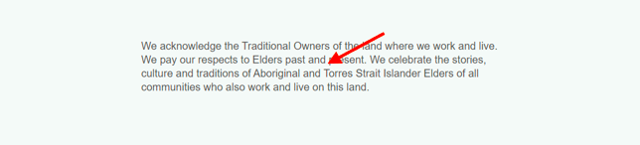 |
Component colours
# | Theme property | Description | Screenshot |
1 | Background | The background colour of the component. | 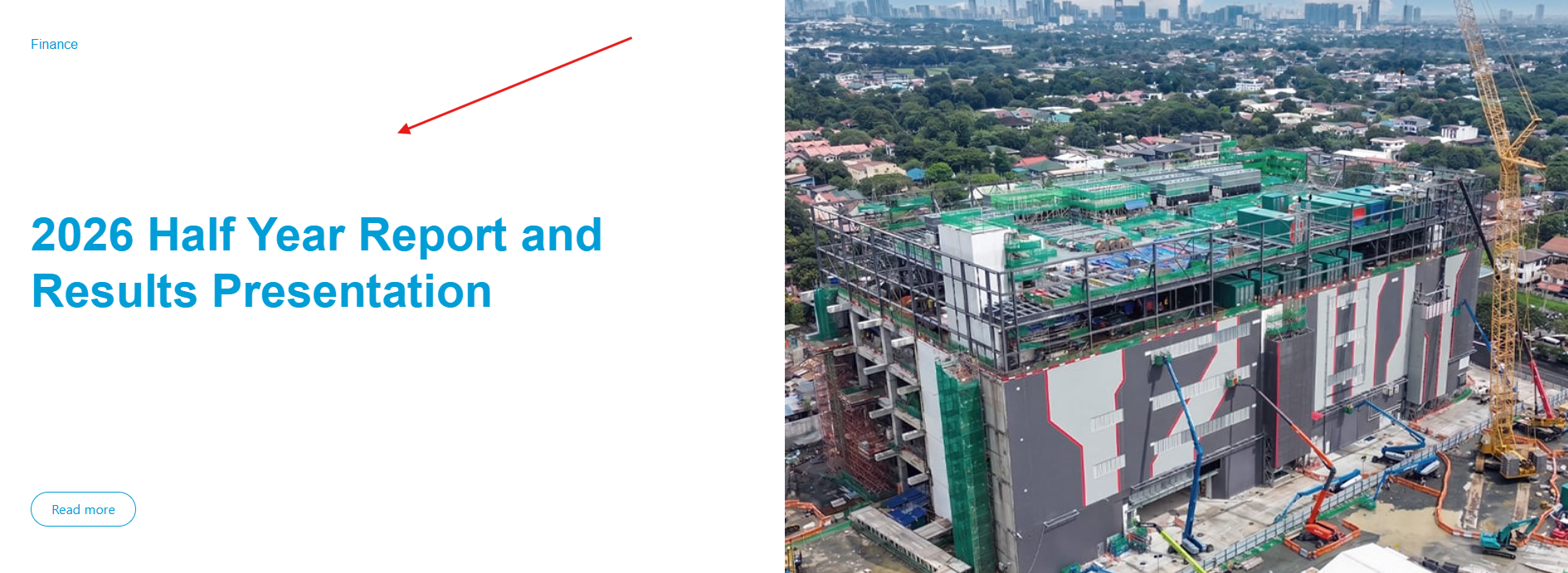 |
2 | Title | The colour of the component title. | 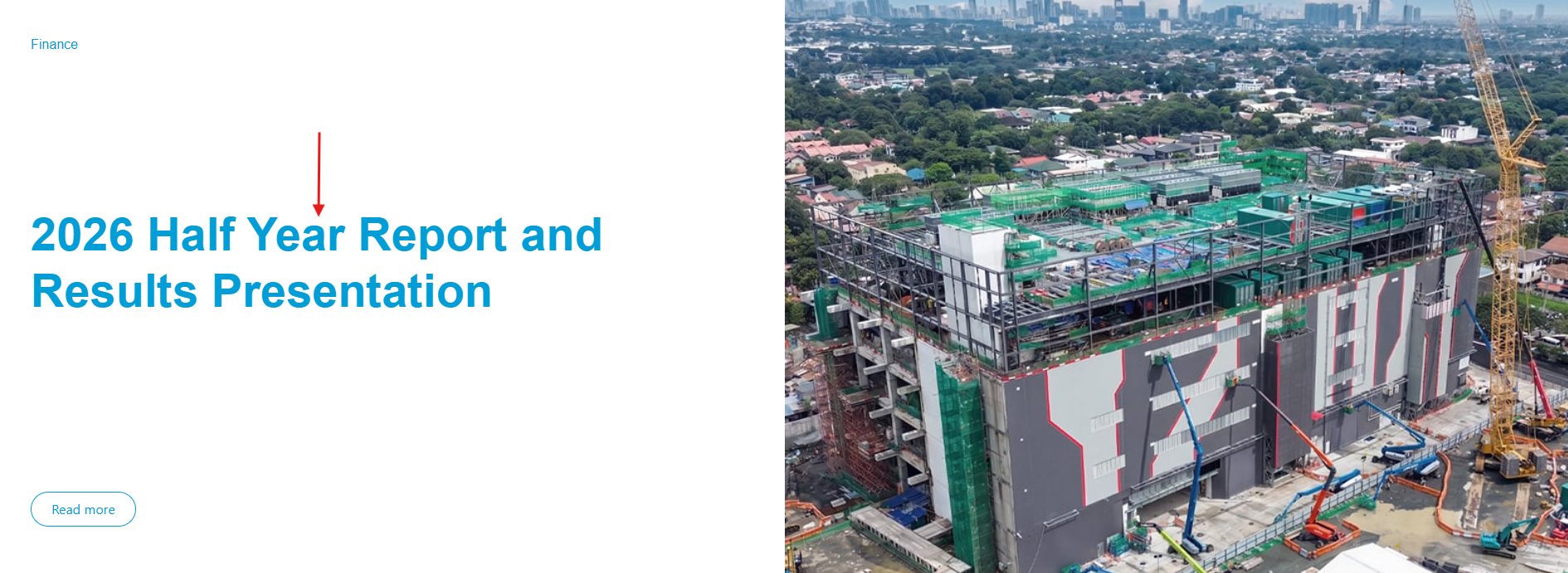 |
3 | Label | The colour of the component label. | 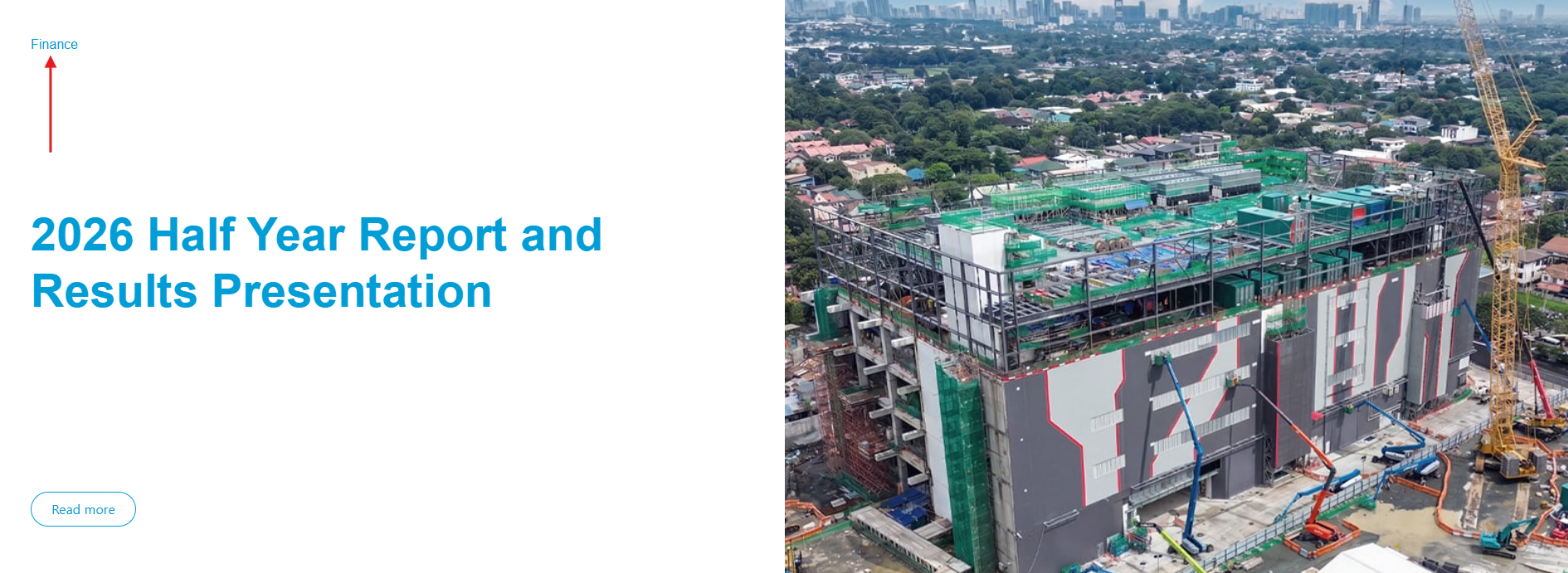 |
4 | Description | The colour of the component description. |  |
5 | Link | The colour of the link text without any user interaction. |  |
6 | Link on hover | The colour of the link text on hover. |  |
7 | Link arrow | The colour of the arrow. |  |
8 | Button | The colour of the button border and text without any user interaction. | 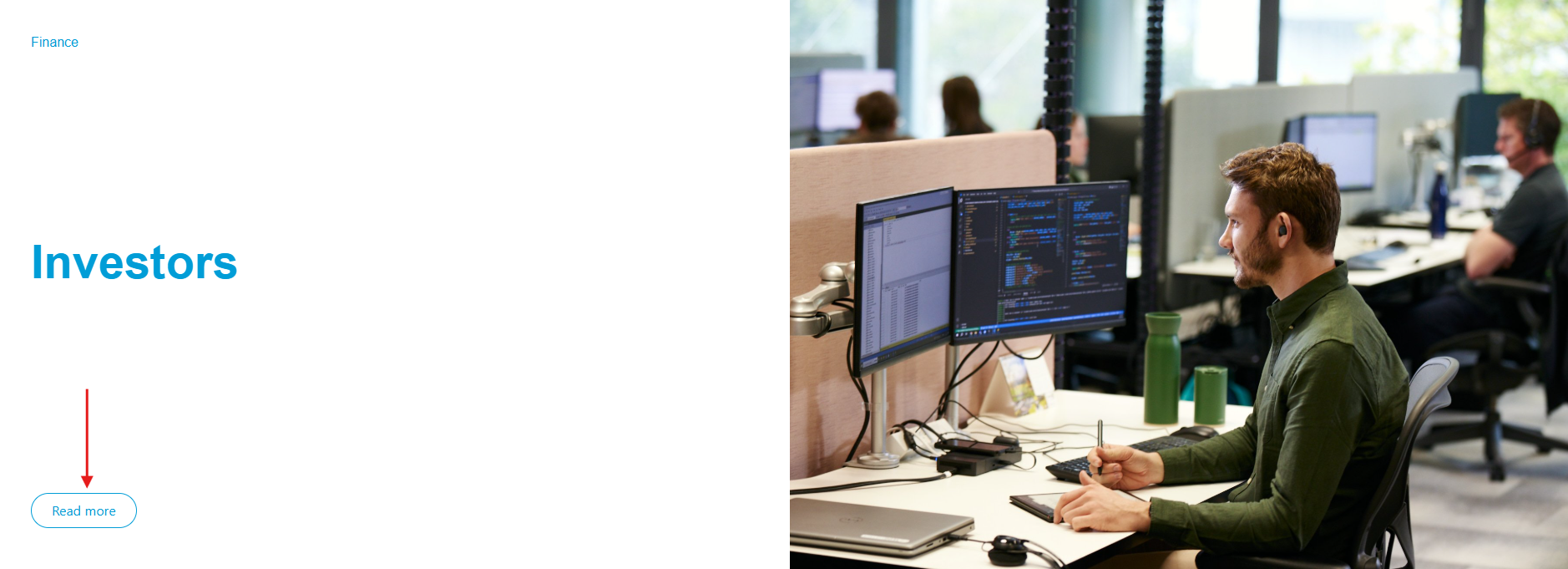 |
9 | Button background | The colour of the button background without any user interaction. |  |
10 | Button on hover – foreground | The colour of the button border and text on hover. | 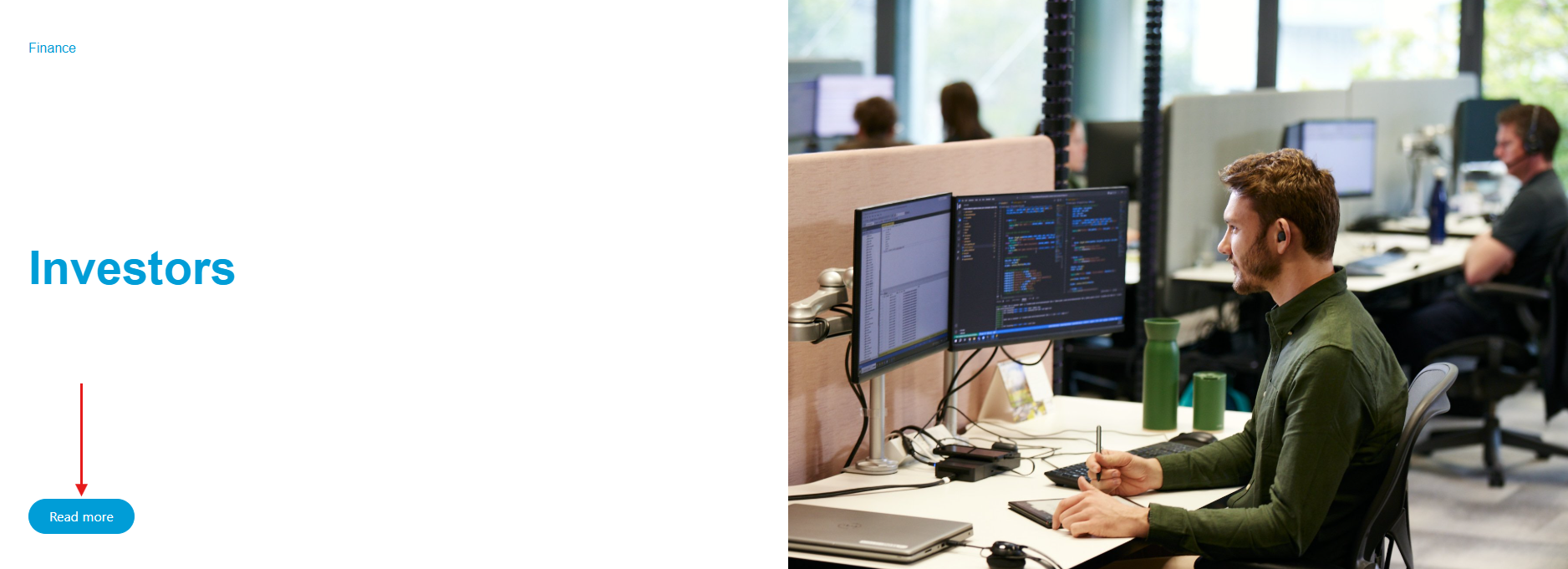 |
11 | Button on hover – background | The colour of the button background on hover. | 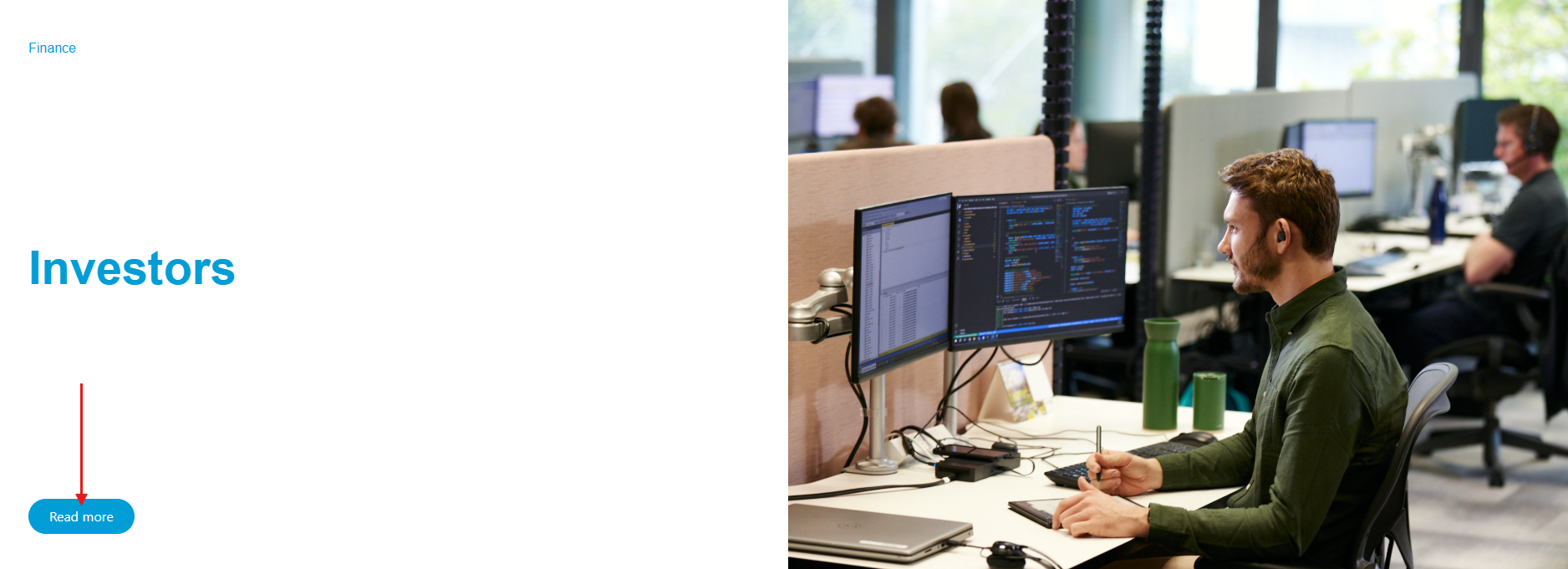 |
12 | Card listing image bar | The colour of the thin line that appears above each image in the Featured News component. | 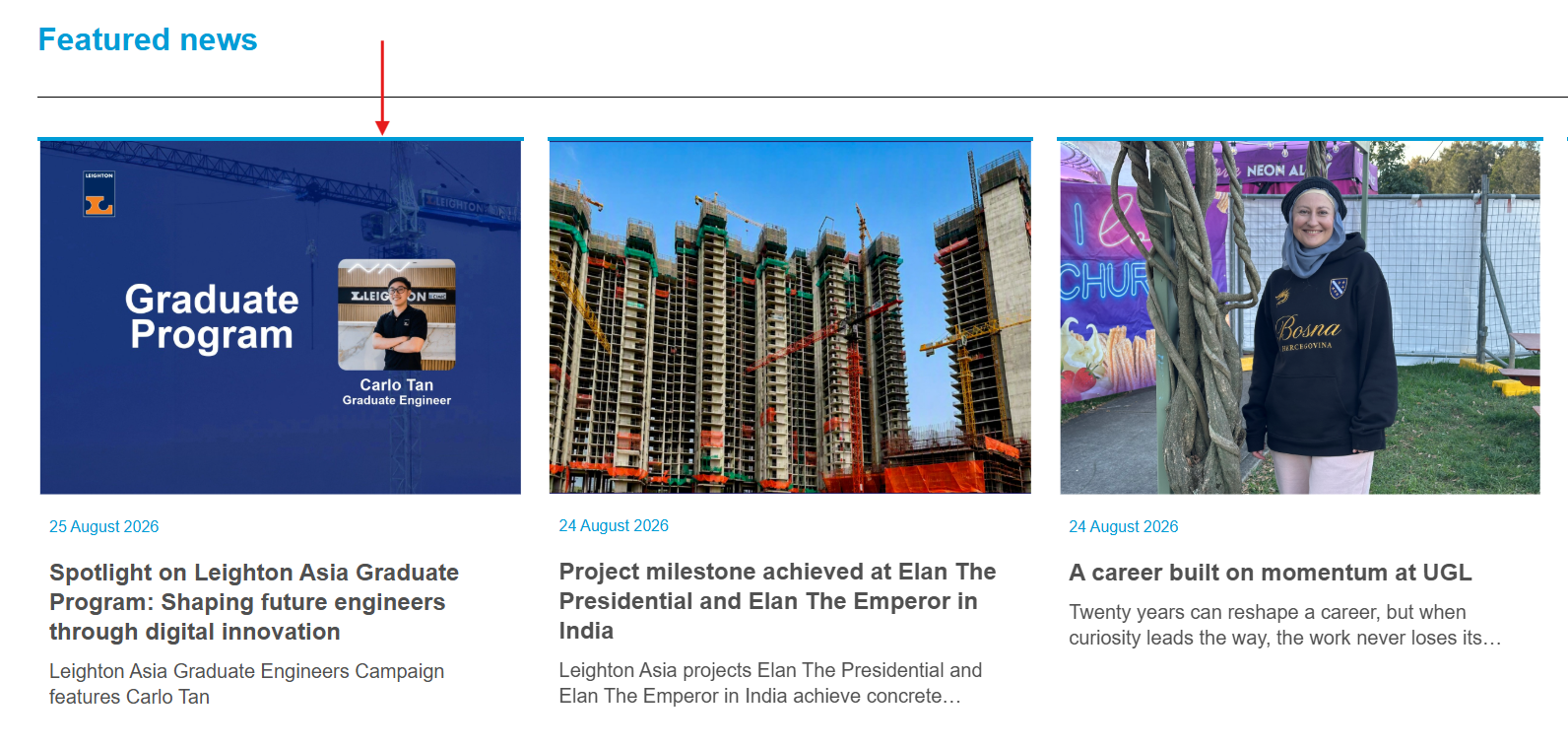 |