
To attach a document in a component or hyperlink one to your content:
- Navigate to the page and component you want to attach/hyperlink text a document to.
Click on the component for the component taskbar to appear. Highlight the text you want to attach a document to or click on the space you want to upload it to. Select the + sign and click Select media.

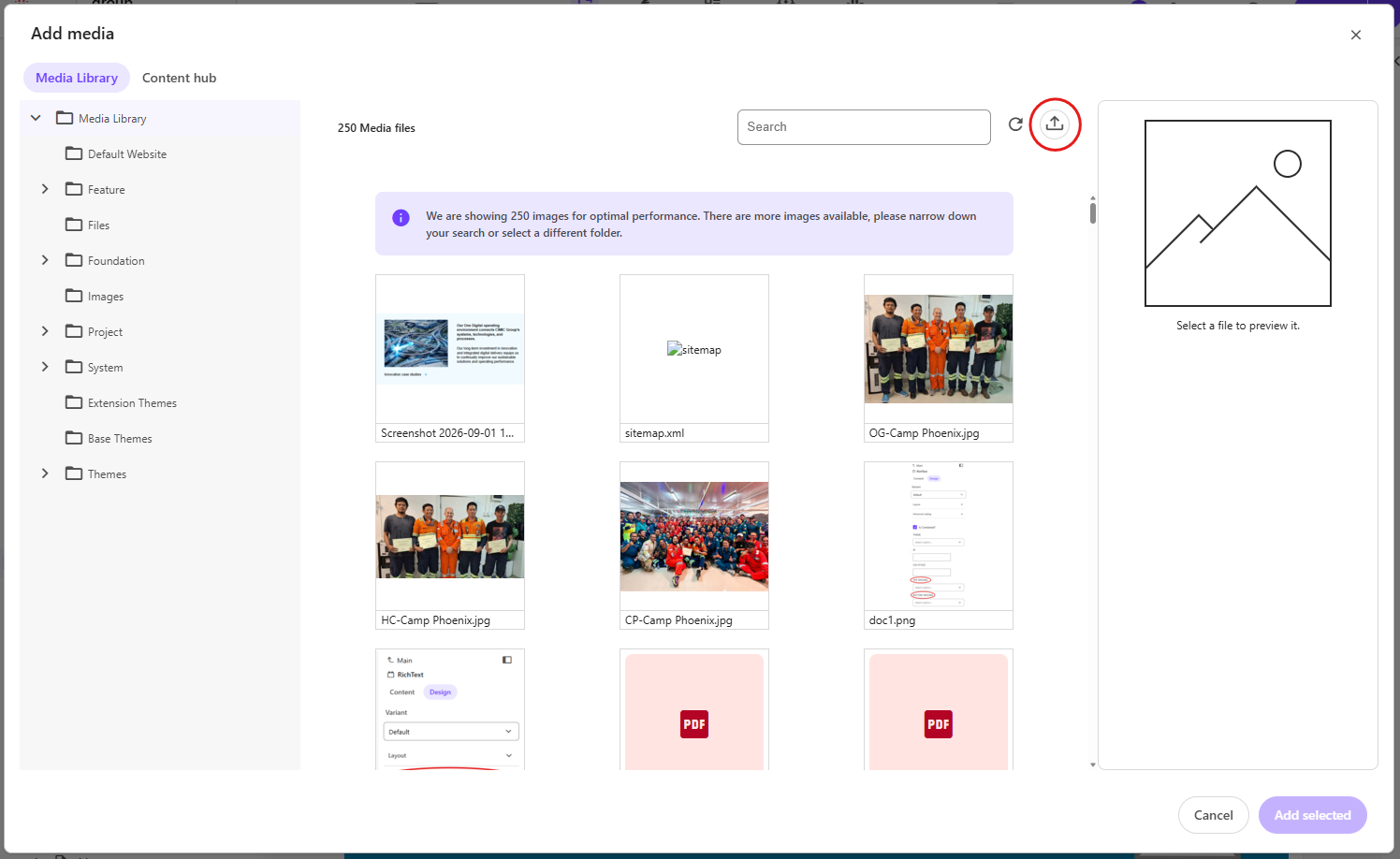
Upload the document by clicking the arrow above.
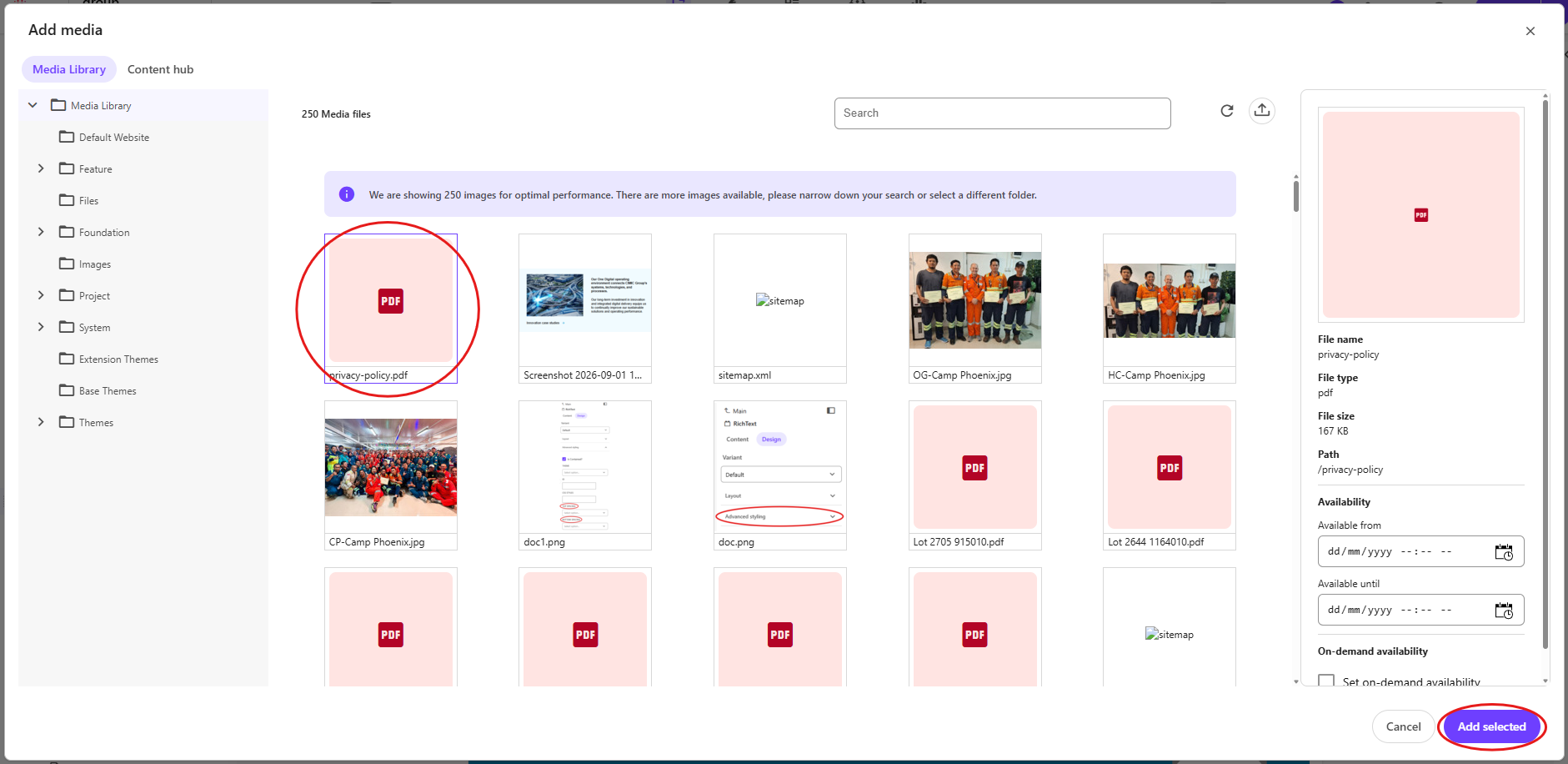
Refresh the pop-up window until the document appears and click Add selected.
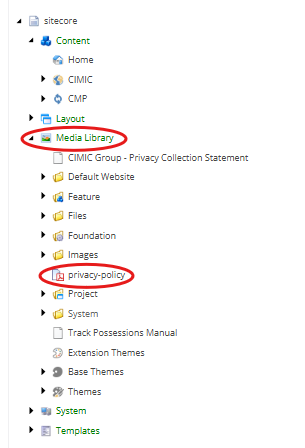
All documents will be uploaded into the Images folder in the general media library in Content Editor, and it is important to sort your files to their appropriate folders under each OpCo to maintain filing cleanliness.
- Publish your page.