
Sitecore XM Cloud is the content management system (CMS) used to manage and publish content across the CIMIC Group website and associated operating company (OpCo) websites.
This section outlines how to access Sitecore XM Cloud and navigate to the tools required for content management.
Accessing Sitecore XM Cloud
Navigate to the Sitecore XM Cloud portal: https://xmapps.sitecorecloud.io/
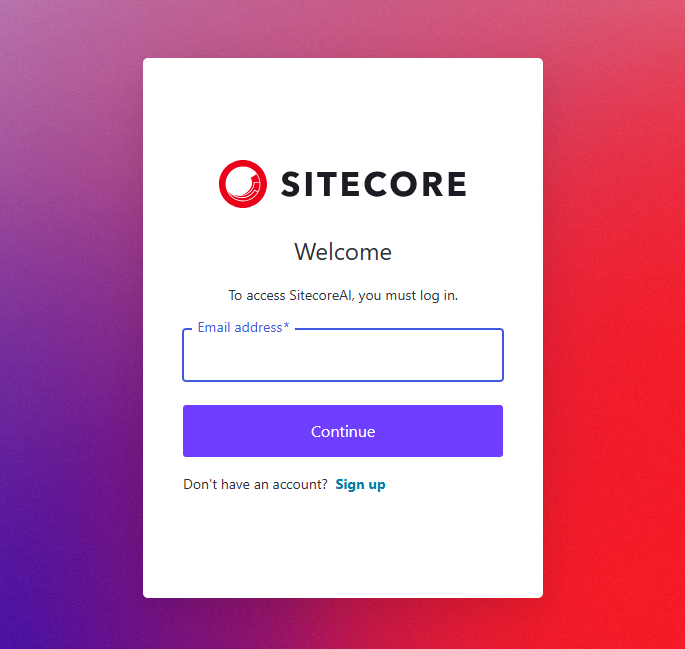
- Enter your company email address and select continue.
- You will be redirected to the Microsoft sign-in page.
- Sign in using your CIMIC corporate account and complete any required authentication steps.
- Once authentication is successful, you will be redirected back to the Sitecore Cloud Portal dashboard.
Understanding environments
The CIMIC website may contain multiple environments, such as:
- Staging (UAT) – Used for testing and reviewing content before publication.
- Production – The live website visible to the public.
Switching environments
Select the switcher icon located in the top-left corner of the Sitecore dashboard.
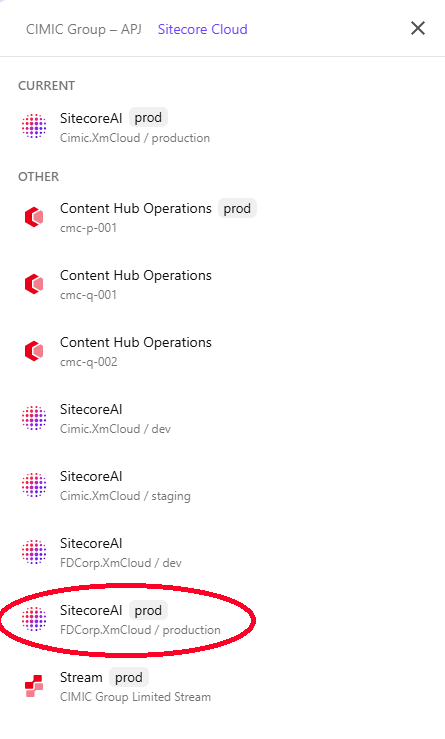
- Open the environment panel and choose the environment you wish to work in.
Select /production to open the dashboard.
Click Content on the top-level navigation to open Content Editor in a new tab and Page Builder on the upper right side to launch the page editor.
