
The Brand logo component is used to display content as follows:

| Note: The editing of logos within the component is restricted to CMS Super Admin users only. |
To add the Brand logo component to a page:
- In Pages, navigate to the homepage of your site.
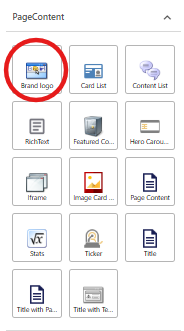
From the Components panel, drag and drop the PageContent > Brand logo component into the Main container on the page.
In the Assign content item window, collapse all the Data folders. The Brand logos data item is a Shared data item. Expand the second data folder, select Brand logos, and click Assign.
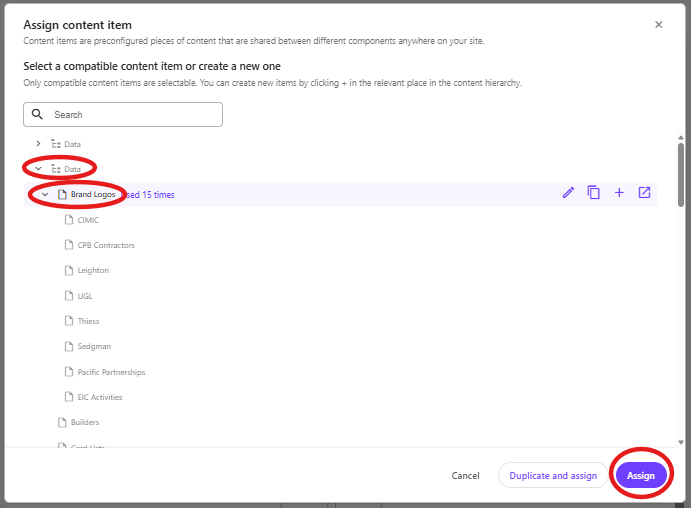
Note: You may see 3 data folders in the Assign content item window.
- First data folder: Site data. The data items in this folder are available for use on any page across your group site only.
- Second data folder: Shared data. The data items in this folder are available for use on any page across any group site.
- Third data folder: Local data. The data items in this folder are available for use on the current page only.
- You should see the Brand logos component appear on the page. In Pages, you will also see the hyperlinks that have been assigned to each logo. Ignore these hyperlinks, as they will not appear on the logos when the page is published.
- Publish the page.